Predictive
Telemetry
TLM is the data analysis and visualization software for telemetry, test bench and time series data that turns large data volumes into a decision-making edge. Visualize, interpret and anticipate patterns in track and lab data — before they happen.
Time series analysis and visualization, from the track to the test bench
One software for telemetry, CAN bus and test bench data, built for motorsport and automotive R&D.
From raw data
to decision
Complete Acquisition
Telemetry, CAN data and virtual channels in a single, consistent data stream.
Rendering Engine
Visualize large data volumes with no compromise on speed or detail.
Built-in Intelligence
AI interprets patterns and anticipates scenarios, session after session.

Time Series Analysis
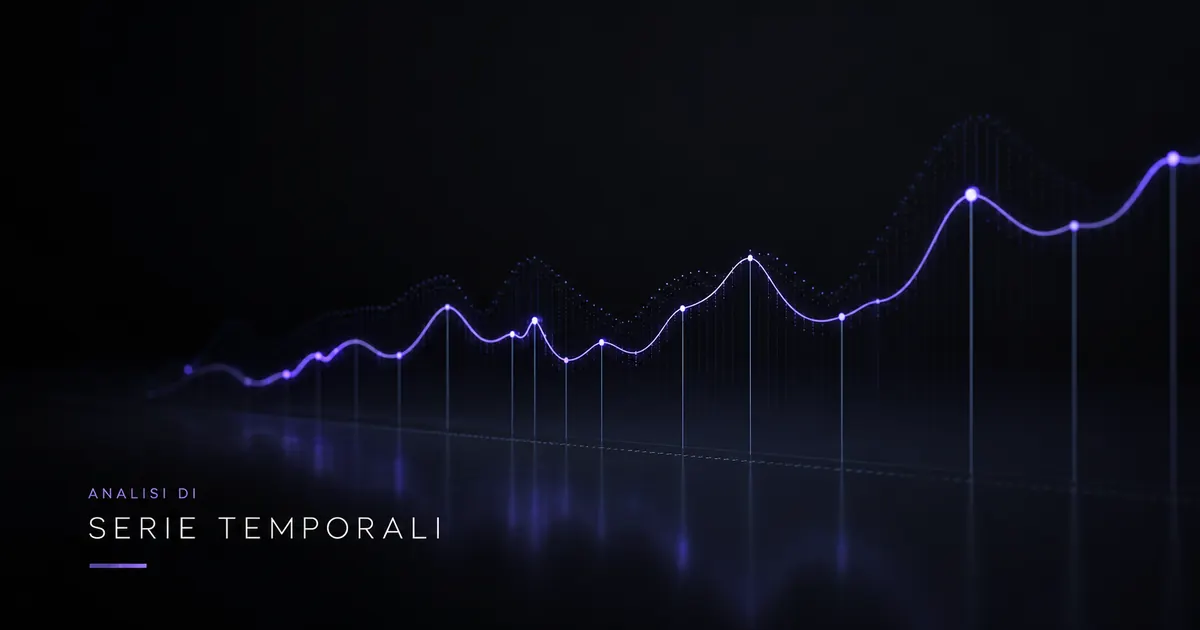
Visualize and query millions of telemetry samples without losing resolution. The technological core of TLM turns large data volumes into readable information.
CAN Data & Virtual Channels
Integrate CAN buses and build derived virtual channels to read every quantity you need, including those not measured directly.
Pattern Recognition
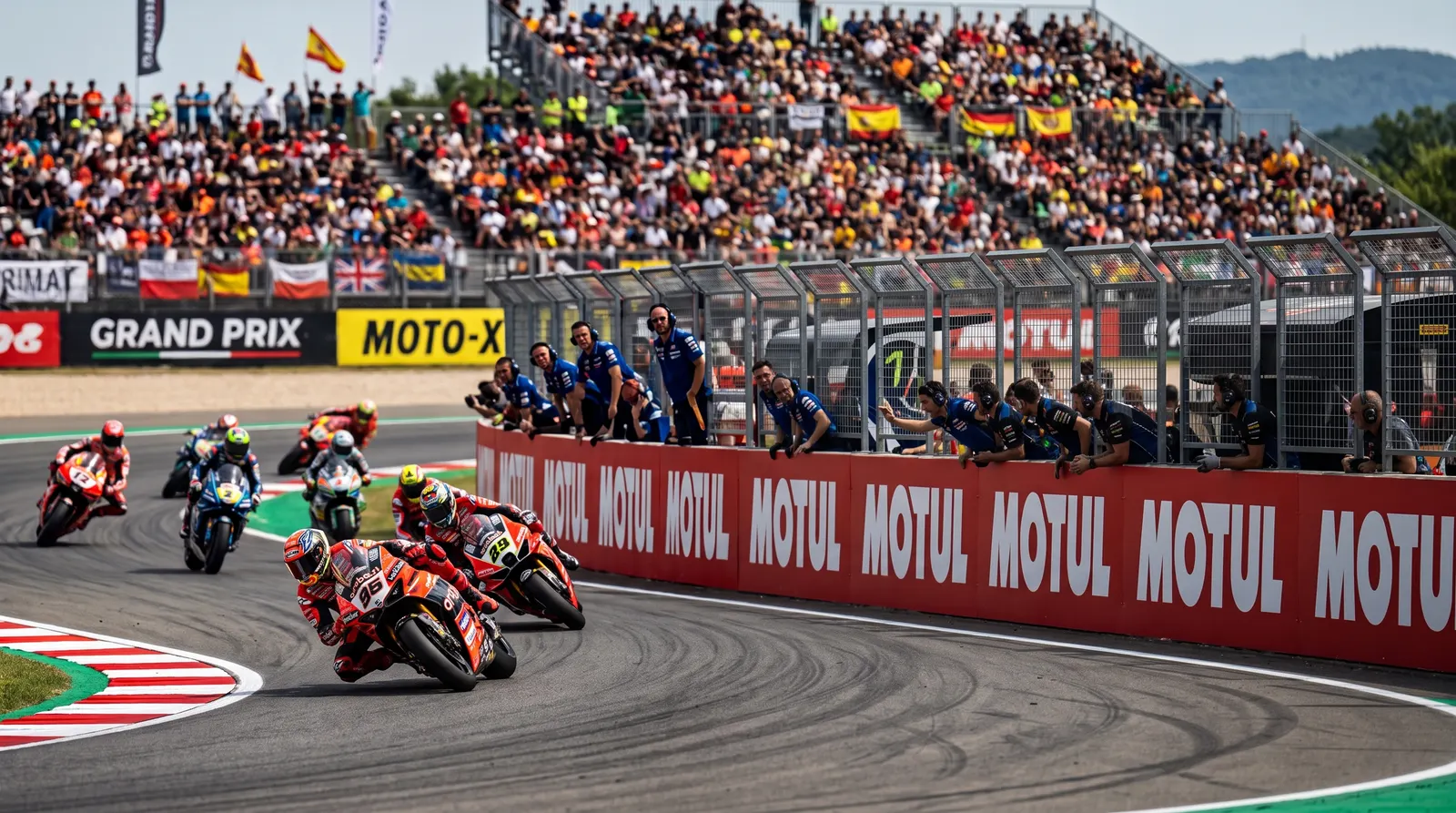
Automatic detection of recurring patterns across laps and sessions, to isolate what matters right away and cut through the noise.
Predictive Analysis
Anticipate car and rider behavior. Predicting what will happen before it happens is the real competitive advantage.
Track vs Test Bench
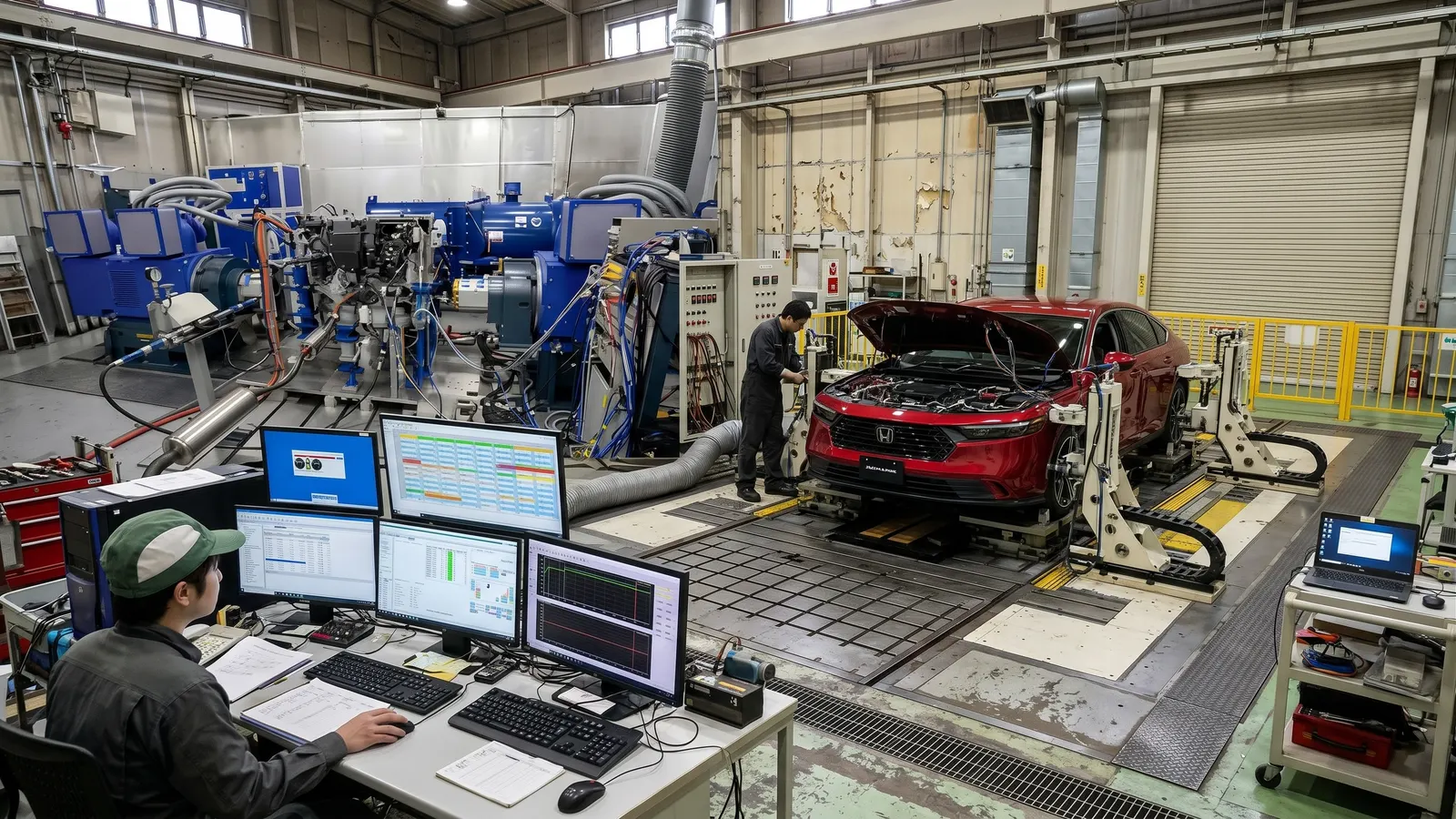
Compare track data with test bench and lab test data to validate components and setups. Built for test cells and automotive R&D engineering teams.
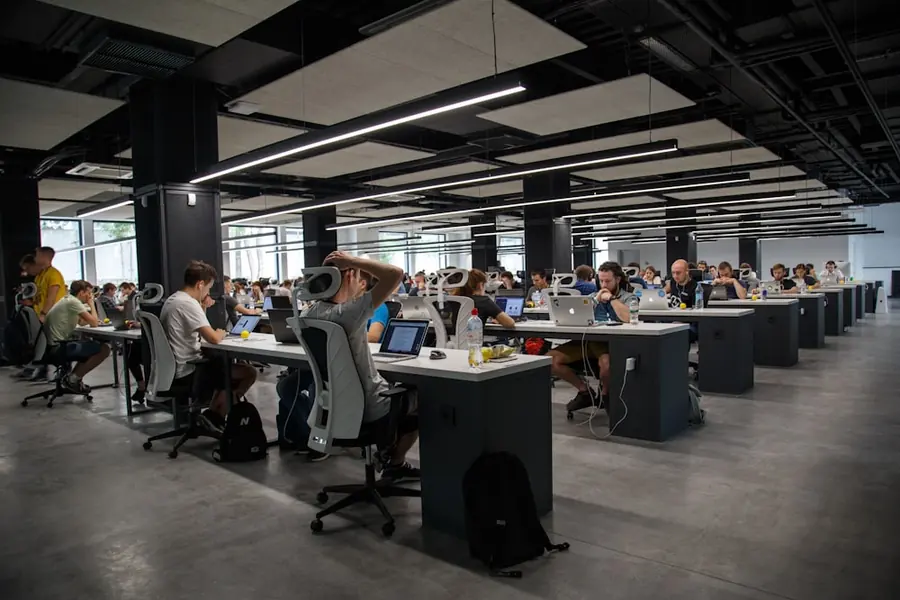
Analysis Speed
Cut analysis time by 40% — from 10 to 6 hours per session. More time to decide, less time searching for data.
Ready to see it before everyone else?
TLM is proven in the most competitive motorsport and automotive R&D environments. Take your telemetry analysis to the next level. Request a free trial running TLM alongside your current software.
Frequently asked questions
What is TLM?
TLM is telemetry and time series data analysis and visualization software developed by Atheva.AI, a spin-off of the University of Bologna. It is built for motorsport, automotive R&D and test cells: it handles CAN bus data, virtual channels and test bench data in a single tool.
What kind of data does TLM analyze?
TLM works with telemetry and time series data. It integrates CAN buses and lets you build derived virtual channels, so you can read quantities that are not measured directly by a sensor.
Can TLM be used to analyze test bench data?
Yes. Test bench data are time series just like track telemetry: TLM lets you visualize and query them, and compare them with track data to validate components and setups.
Who is TLM for?
Motorsport teams and automotive R&D departments: environments where decisions are made on large volumes of time-dependent data, with little margin for error.
Does TLM replace the analysis tools I already use?
TLM focuses on high-resolution time series analysis and visualization. In a comparison on a real case, we assess together where it complements your existing tools and where it replaces them.
How much data can TLM handle?
TLM is designed to visualize and query millions of telemetry samples without losing resolution.
How can I try TLM?
You can request a free trial running TLM alongside the software you already use: send us a set of your own data and we will show you TLM on it. Requests are made from the TLM contact page.